Budgeting Apps With No Ads: What to Look For
· Updated
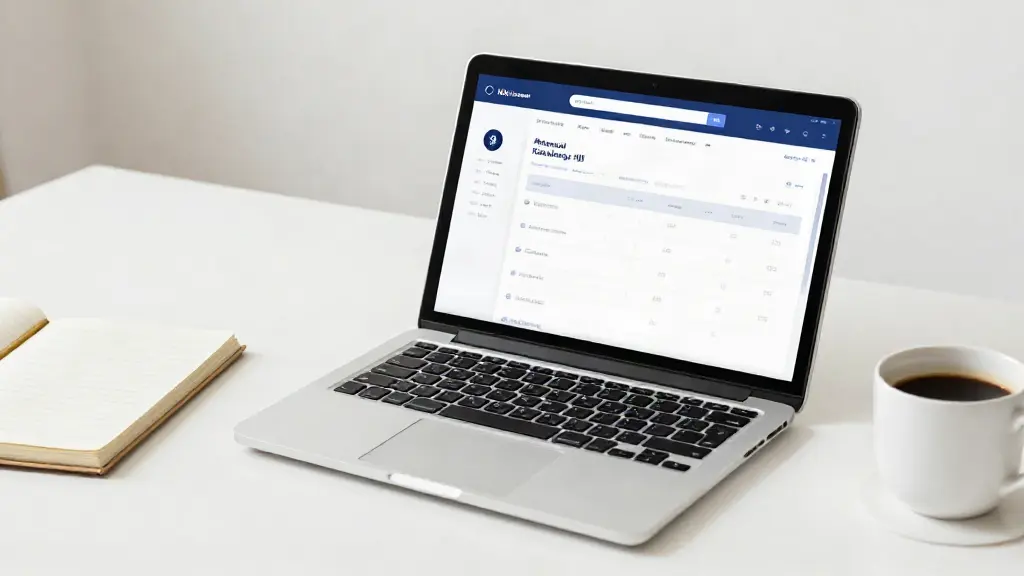
If you have ever opened a budgeting app to check your balance and ended up closing a full-screen ad for a loan you never asked about, you will know why "no ads" has become a genuine deal-breaker. In a finance app, ads are not just annoying: they change who the product is really built for. This guide walks through what to look for in a budgeting app with no ads, and the red flags that tell you an app is quietly selling your attention.
Why an ad-free budgeting app matters
A free app still has to be paid for somehow. When a budgeting tool carries no subscription, the money usually comes from somewhere else - and that somewhere is often your data or your screen space. Advertising inside a personal finance app means two things: your spending patterns can be used to target you, and the interface is optimised to keep you looking at ads rather than at your money.
For anyone managing a household budget, that is the wrong incentive. You want a tool that helps you close the app feeling on top of things, not one that wants you to stay a little longer.
What to look for in an ad-free budgeting app
A clear, honest business model
Before anything else, check how the app makes money. A trustworthy tool says so plainly. If it is genuinely free and ad-free, the site should explain how it sustains itself instead of leaving you to guess.
No ads, in plain words
"No ads, ever" is a promise, not a marketing flourish. Look for a straight statement you can hold them to, rather than vague phrases like "minimal advertising" or "limited sponsored content".
Bank-grade security
Your financial data deserves the same protection as your bank account. Look for encryption in transit and at rest, secure sign-in, and a privacy policy written in language you can actually read. Strong security should be something you can verify, not just assume.
Your data stays yours
The best apps are explicit that they do not sell your data and do not share it with advertisers. If a privacy policy is full of clauses about "partners" and "third parties", treat that as a question worth asking before you sign up.
Works across every device you own
A household budget does not live on one screen. You might check it on your phone at the supermarket, update it on a tablet at the kitchen table, and review it properly on a desktop. A cloud-based app keeps everything in sync so the numbers match wherever you look.
The features that actually manage a household
Strip away the gimmicks and you want the basics done well: multi-account management, smart budgeting, cash flow forecasting, recurring bill reminders, and detailed reports. These are the tools that turn a long list of transactions into real decisions.
Red flags to avoid
- Ads that cover the numbers you opened the app to see.
- A free app that never explains how it is funded.
- A privacy policy that stays vague about who your data is shared with.
- Push notifications that are really advertising dressed up as reminders.
- No desktop version, forcing you to squint at your budget on a phone.
- Pressure to upgrade before you are allowed to see your own data.
Why ThriftyOwl is built this way
ThriftyOwl is a free-to-try, cloud-based household finance app for people who want one clear place to manage their money. It carries no ads, ever, and it is built on bank-grade security so your data stays yours. You get smart budgeting, cash flow forecasting, recurring bill reminders, and detailed reports across phone, tablet, and desktop, with nothing competing for your attention.
That matters most if you are coming from Microsoft Money or a homemade spreadsheet and want a modern, cloud-based upgrade without paying for the privilege with your privacy. The point is simple: the product should work for you, not for an advertiser.
The short version
An ad-free budgeting app should make money in a way it is happy to explain, protect your data the way a bank would, and work the same on every device you use. If an app cannot tell you how it is funded, that silence is your answer.
Take control of your household finances, from anywhere - and keep them to yourself.