Microsoft Money Alternative: An Honest ThriftyOwl Comparison
Microsoft Money Is Gone: What Long-Time Users Actually Need Now
If you used Microsoft Money for years, you probably remember the routine: every account in one place, a budget you could actually stick to, and a report at the end of the month that told you where the money went. Then it was retired, support stopped, and you have been making do with spreadsheets ever since. If you are still looking for a Microsoft Money alternative, this is a straight-talking look at what a replacement genuinely needs to do, and how ThriftyOwl compares.
Why Former Microsoft Money Users Are Still Searching
Microsoft Money did something most finance apps still struggle with: it treated your whole household as one picture, not a pile of disconnected accounts. When it went away, a lot of people did not want a flashy new toy. They wanted the same calm, complete view of their money, without a subscription they resented or a service that felt like it was watching them. That is exactly the gap a good Microsoft Money replacement should fill.
What You Actually Missed From Microsoft Money
It is worth naming the things that made it useful, because they are the yardstick any replacement has to meet:
- One home for every current, savings, credit and loan account.
- Budgets that track against real spending, not guesses.
- Reports that show where the month went, in plain terms.
- Reminders for recurring bills before they hit.
- Something you can check quickly, rather than a chore you avoid.
That list is not nostalgia. It is a sensible set of expectations, and it is fair to hold a modern app to all of it.
ThriftyOwl vs Microsoft Money: An Honest Side-by-Side
ThriftyOwl is a free, cloud-based household finance app built for people who want the Microsoft Money experience without the dead-end software. Here is how the two line up on the things that matter most.
Accounts and overview. Both pull your current, savings, credit cards and loans into a single view. ThriftyOwl keeps that multi-account picture at the centre, so your net position is on screen the moment you open the app.
Budgets and cash flow. Microsoft Money let you build budgets; ThriftyOwl pairs budgets with cash flow forecasting, so you can see not just what you have spent but what is coming. That forward look is something the old software never managed well.
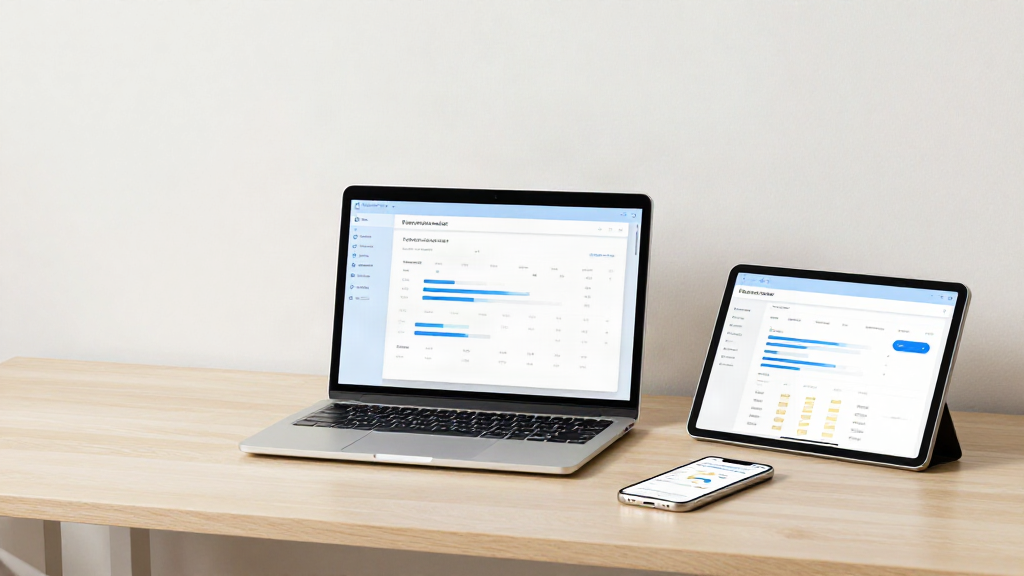
Devices. This is the biggest practical difference. Microsoft Money lived on one computer. ThriftyOwl is a desktop and mobile budgeting app, so the same household picture is on your phone, tablet and desktop, in sync.
Cost and ads. ThriftyOwl is a free personal finance app. No ads, ever, and no selling your attention to make the numbers work.
Privacy. Your data stays yours. ThriftyOwl runs on bank-grade security and is built for people who would rather not hand their finances to an advertising business.
Where Microsoft Money Still Had Its Charms
Being honest cuts both ways. Microsoft Money had the comfort of a local file and no ongoing subscription, and for some people the habit of opening a program on a single desktop is hard to shake. If you were perfectly happy never syncing anything and never checking your money away from that one computer, a cloud app asks you to change a small habit.
The trade-off is real, but so is the cost of standing still: a discontinued program, no security updates, and a growing pile of manual workarounds. For most former users, the cloud is the upgrade rather than the compromise.
What to Expect When You Switch
Switching from Microsoft Money is less dramatic than it sounds. You set up your accounts once, group them the way your household thinks about money, and let the recurring items come in automatically. From there it becomes a short, regular habit: a glance at the dashboard, a check on the budget, and a look at the bills coming up.
If you are coming from spreadsheets as well, the first month is usually the eye-opener. Seeing every account in one place tends to surface costs that were quietly hiding in separate tabs.
Is ThriftyOwl Really Free?
Yes. ThriftyOwl is free to use, with no ads and no data-selling business model behind it. Once you have exhausted the two account limit then a monthly fee is required. But if you've got simple current account and savings account then the most of the features are included.
Who ThriftyOwl Suits Best
ThriftyOwl is made for privacy-conscious individuals and households who want one clear place to manage money across phone, tablet and desktop. It suits former Microsoft Money users who miss the complete picture, families who need a single shared view of the household, and anyone who wants a budgeting app with no ads and serious security rather than gimmicks.
The Bottom Line
There is no perfect replacement for a program you used for years, and anyone who claims otherwise is selling something. What we can say plainly is this: if what you missed about Microsoft Money was one honest view of your whole household, ThriftyOwl restores it, adds the parts the old software never had, and does it for free, on every device you own, without ads or a subscription. Take control of your household finances, from anywhere. If you are ready to stop patching the gap with spreadsheets, ThriftyOwl is worth a look.