Best Microsoft Money replacements in 2026 (and why people are switching)
· Updated
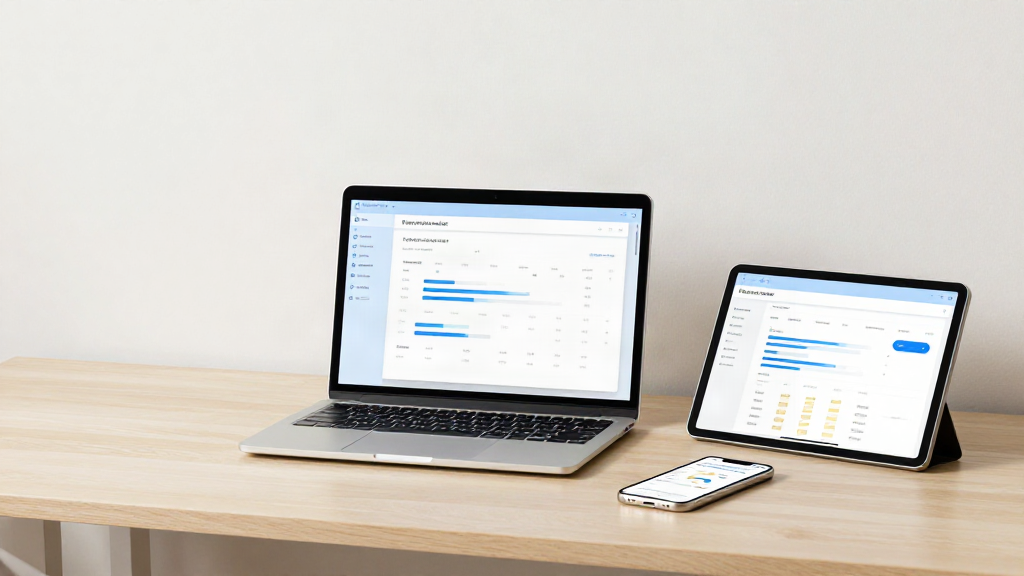
If you were a Microsoft Money user, you probably didn't stop budgeting by choice. Microsoft retired Money years ago, and most people didn't jump ship - they were pushed. Some moved to a spreadsheet and never left. Others tried paid desktop software that felt stuck in 2010. A lot simply stopped tracking their money properly.
So if you're searching for a Microsoft Money replacement in 2026, you're in good company. This is a straight comparison of the realistic options, with an honest answer on what to choose and why.
Why are people still switching away from Microsoft Money?
Because it only works on one desktop PC and hasn't been updated in over a decade. Microsoft Money was genuinely good. It tracked multiple accounts, handled bills, and gave you a clear picture of your money - as long as you were sitting at one desktop PC.
That last part is the problem. In 2026 we manage money on a phone, a tablet, and a laptop, often all in the same day. A file that lives on a single computer and needs manual backups no longer fits how people live. Add in a decade of no updates, no security patching, and no support, and the reasons to move on aren't about features any more. They're about trust and everyday practicality.
Most former Money users want the same three things they had before: a clear view of every account, help with bills and budgets, and their data kept private. They just want it available everywhere.
What are the realistic options for a Microsoft Money replacement?
Almost everything falls into one of three camps: spreadsheets, paid desktop software, and modern cloud-based apps. There's no shortage of choices, but here's how they actually compare. Here's how they actually compare.
1. Is a spreadsheet a good Microsoft Money replacement?
It can be, if you don't mind the effort. This is where most former Money users end up, and it's easy to see why. A spreadsheet is free, familiar, and completely under your control.
The trade-off is effort. You build the budget, you maintain the formulas, you enter every transaction by hand, and you remember every bill yourself. Nothing syncs. Nothing reminds you. Nothing works on your phone unless you fight with it. A spreadsheet is a fine tool for a hobbyist, but as a long-term replacement for Money it tends to quietly fall apart after a few months.
2. Is paid desktop software a good Microsoft Money replacement?
It can work if you love the desktop-first model. There are still paid programs that do what Money did, with more polish and ongoing licences. If you love the desktop-first model, this can work.
But you're paying a subscription or upgrade fee for something that still ties you to one machine. Mobile apps, when they exist, are often afterthoughts. And for a tool that just helps you track your own money, the cost adds up year after year - often alongside ads or upsells in the cheaper tiers.
3. Are modern cloud-based apps the best Microsoft Money replacement?
For most people, yes. This is the category that has grown the most, and it's the closest thing to a true Microsoft Money replacement. A cloud-based budgeting app puts your accounts, budgets, and bill reminders in one place and syncs them across phone, tablet, and desktop automatically.
The best of these also answer the questions former Money users care about most: honest pricing, no ads, and strong security. That's a genuinely different approach from the ad-funded finance apps that make money from your attention.
How do you choose the right Microsoft Money replacement?
Start by being clear on what you actually need. Before you pick, it's worth being clear on what you actually need. Ask yourself:
- Do I need it on my phone as well as my desktop? For most people the answer is yes.
- Do I want bill reminders that nudge me before something is due, or am I happy to check manually?
- Do I want to forecast my cash flow, or just record what has already happened?
- Am I comfortable with my data living in the cloud, and does the app protect it properly?
- Is "free" really free, or am I paying with ads and my personal data?
If you want the full power of Microsoft Money without the single-desktop limit, the cloud-based route is the one that fits. If you enjoy tinkering and don't mind manual upkeep, a spreadsheet is still perfectly respectable.
Why is ThriftyOwl our pick for most former Money users?
Because it was built specifically for people moving on from Microsoft Money. We'll be upfront: this is our product, so treat our opinion accordingly. But it was built specifically for people in your position.
ThriftyOwl is a free, cloud-based personal finance app designed as a modern replacement for Microsoft Money. It brings multi-account management, smart budgeting, cash flow forecasting, and recurring bill reminders together, then syncs it all across phone, tablet, and desktop. You get the same clarity you had in Money, without being chained to one computer.
It also takes the trust questions seriously. Your data stays yours, there are no ads - ever - and it runs on bank-grade security. No selling your attention, no pushing offers you didn't ask for. Just a calm, clear place to manage your money, whether you're at your desk or on the bus.
If you've been putting off replacing Microsoft Money because every option looked like a compromise, that's exactly the gap it fills.
Frequently asked questions
Is Microsoft Money still available?
No. Microsoft discontinued Money and there's no supported version to buy today, which is why so many people are searching for a replacement.
What's the closest thing to Microsoft Money in 2026?
A cloud-based budgeting app is the closest match. It keeps the account tracking, budgeting, and bill reminders you relied on, and adds the multi-device access Money never had.
Do I have to pay for a Microsoft Money replacement?
Not necessarily. Spreadsheets are free but manual, and several cloud-based apps - including ThriftyOwl - are free to use with no ads.
Can I move my old Money data across?
You can usually export your old Money data and use it as a reference while you set up a new app. Starting fresh with current account balances is often the simplest route.
What's the bottom line on replacing Microsoft Money?
For most former Money users in 2026, a cloud-based app is the honest answer. There's no single Microsoft Money replacement that suits everyone, and anyone who tells you otherwise is selling something. Spreadsheets reward patience. Paid desktop software rewards loyalty to the old way of doing things. Cloud-based apps reward anyone who wants their whole financial picture available wherever they are, without ads or fuss.
For most former Money users in 2026, that last option is the honest answer. The good news is you no longer have to settle for a tool that was built for a desktop era that's long gone.
Take control of your finances, from anywhere.
Sources and further reading
- Microsoft Learn, "Microsoft Money: end of online services and assisted support, 31 January 2011" - when Microsoft ended Money's online services and support.
- Microsoft Support, "End of support for Money in Excel FAQ" (ended 30 June 2023) - Microsoft's last attempt at a personal finance product, and what happened to users' data.